The University provides a comprehensive enterprise-level Wi-Fi network, integrated with the wired infrastructure, scalable, modular, and secure. The Wi-Fi network ensures widespread coverage across the entire campus.
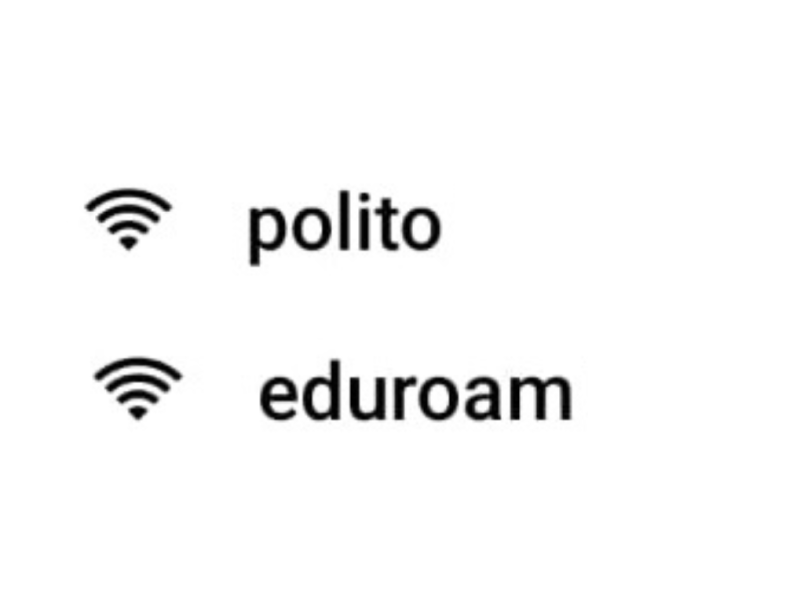
The Politecnico offers two Wi-Fi networks:
- polito: a network accessible using your institutional credentials
- eduroam: part of the Eduroam (Education Roaming) project, providing federated access using the institutional credentials of your home organization.
The Politecnico di Torino participates in the Eduroam project both as an Identity Provider — allowing researchers, faculty, and students easy and secure access to the network — and as a Resource Provider. Eduroam enables users visiting other institutions to connect to the wireless network easily and securely using the same credentials provided by their home organization.
Currently, it is possible to access the Wi-Fi network using IEEE 802.11g/n/ax at 2.4 GHz and IEEE 802.11a/n/ac/ax at 5 GHz, through the 802.1x PEAP - WPA2 AES authentication model, which provides high standards of security and privacy.
To simplify the configuration of your device, those who already have valid credentials from the Politecnico di Torino are advised to use Eduroam CAT.
| USER TYPE | CREDENTIAL FORMAT | PASSWORD MANAGEMENT |
|---|---|---|
| University Staff | <name.surname>@polito.it | Same password as the institutional account. New password: contact the ISIAD Service Desk (011-0905050). |
| Students | S<student ID>@studenti.polito.it | Same password as the institutional account.
New password: request it at the Academic Office desk with a valid ID document. |
Attached is documentation on how to connect from your device:
For guests or visitors, it is possible to request the activation of “Guest” credentials, which allow authentication to the WiFi network.
The request must be submitted by a University Contact through the IT Services portal page (Wireless Network Services), accessible after authentication ➡️ REQUEST